
Visual budgeting built around your calendar.

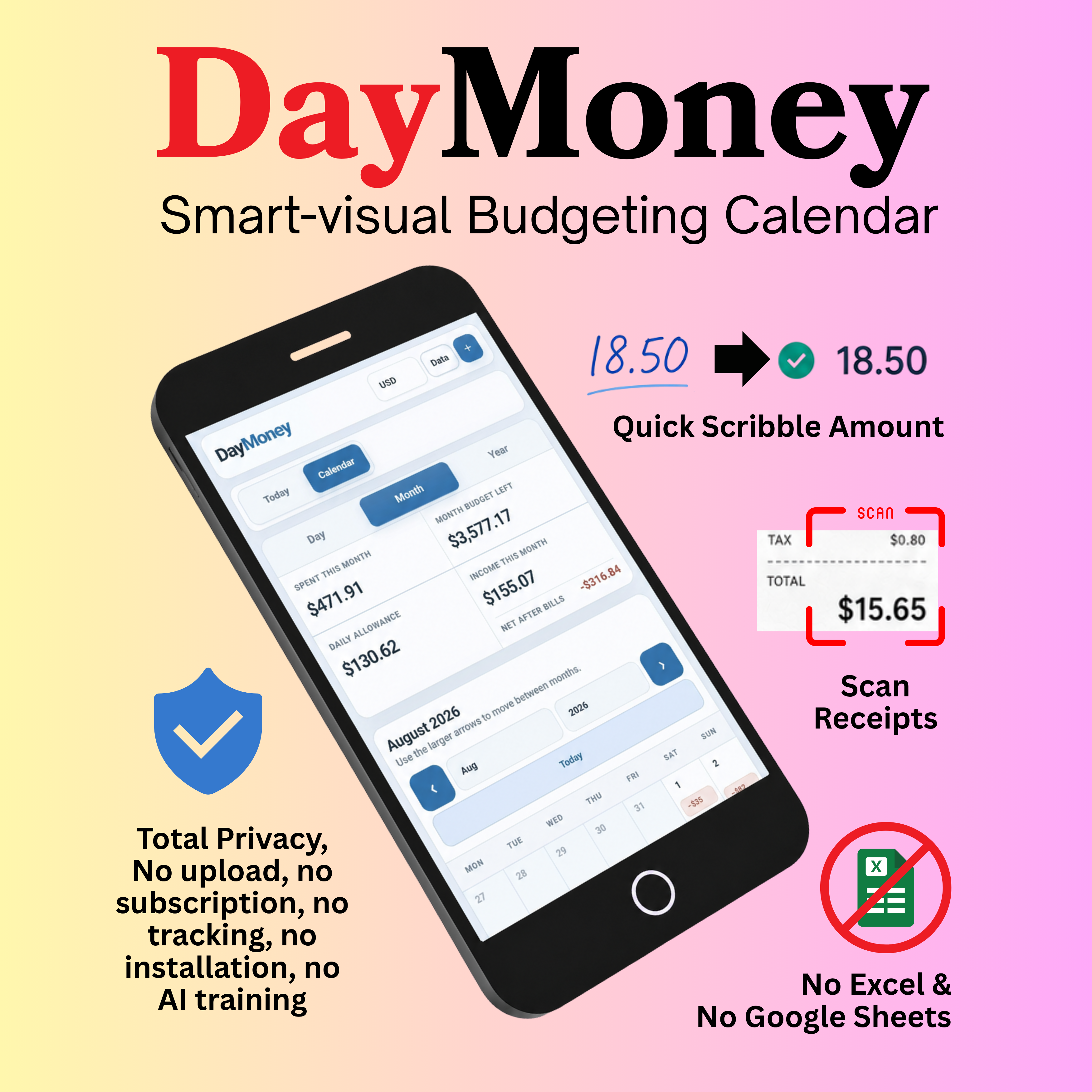
Track spending, income, budgets and recurring payments by day, month or year in DayMoney, a browser-based workspace designed for simplicity with user friendly features from receipt OCR scanning to Quick Write handwriting input.

See DayMoney in action

Two short demonstrations.

Receipt scan, Quick Write, calendar views and budgets
Recurring entries, themes, reports and PDF export
DayMoney editions

DayMoney Online and Full Edition

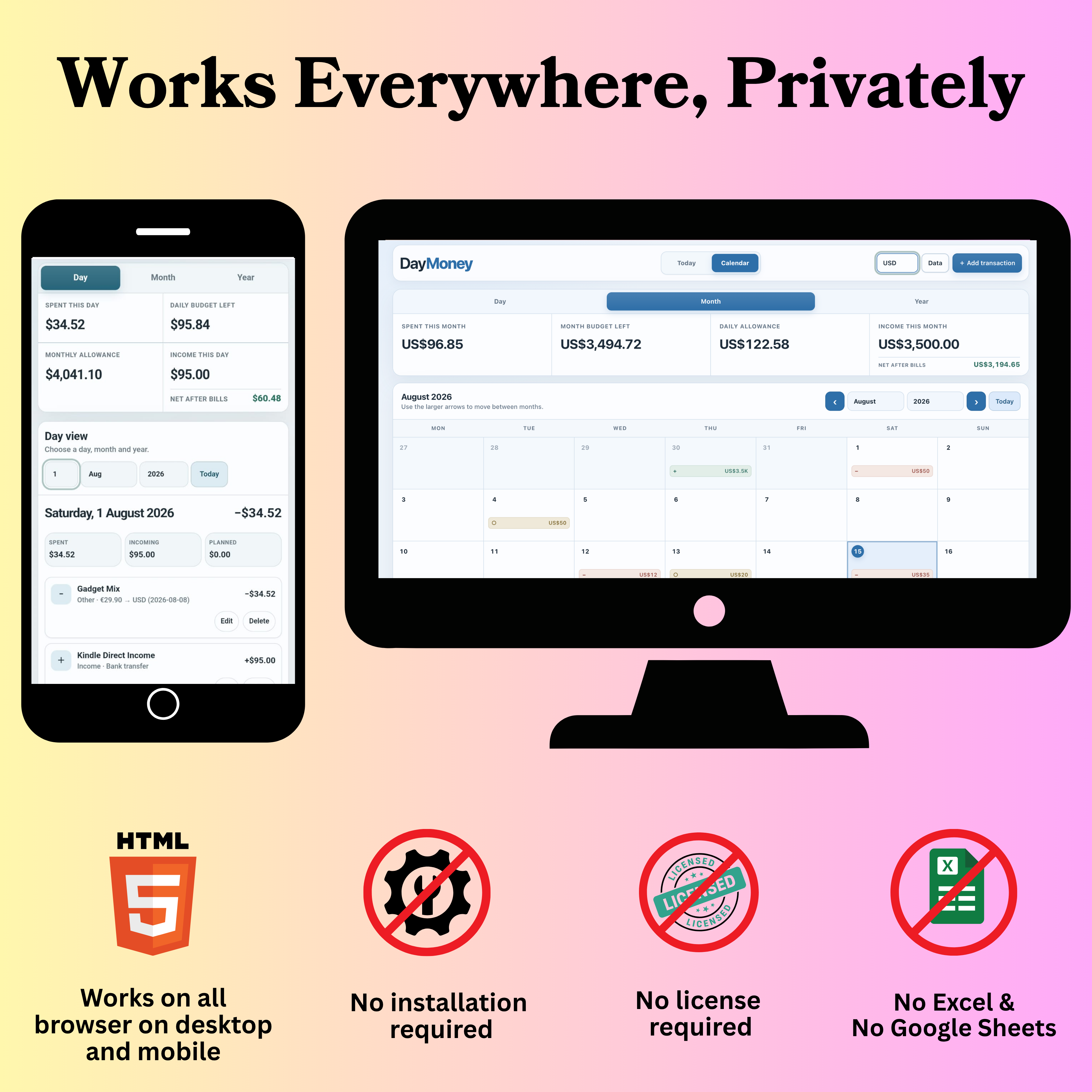
DayMoney Online is a free browser-based budgeting app that puts manual entries and budgets into a visual time structure, optimised for mobile and tablet use (but also available for desktop), with quick summaries and reports; the Full Edition includes the receipt OCR scanning and Quick Write handwriting input.

DayMoney Online · Free

Visual budgeting core

Open DayMoney Online

Use the core calendar, budgeting and reporting workspace directly in your browser.

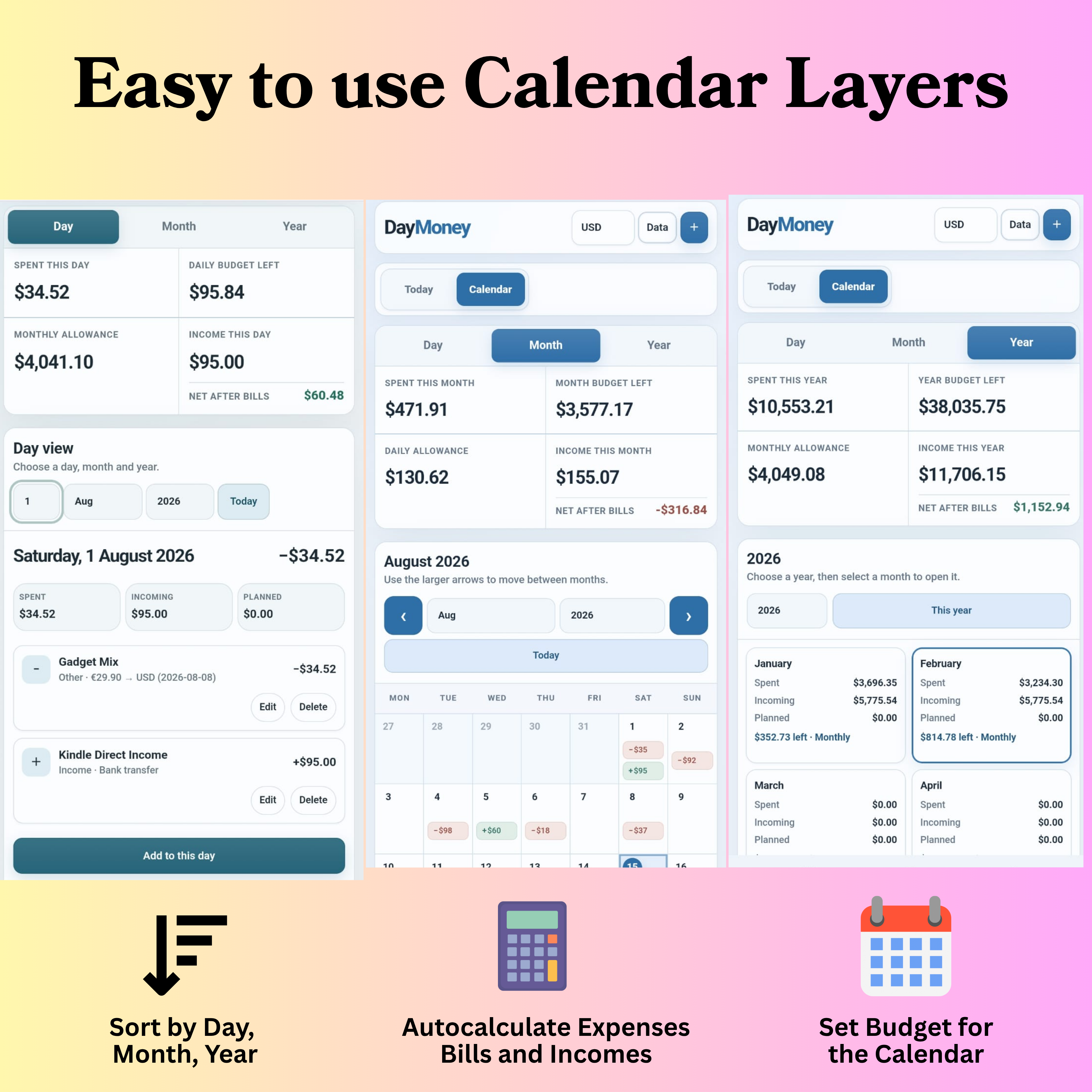
Day, month and year views

Move between daily detail, monthly planning and yearly summaries without rebuilding a spreadsheet.

Expenses, income and planned bills

Record different entry types and see net totals after income, expenses and planned bills.

Recurring calendar entries

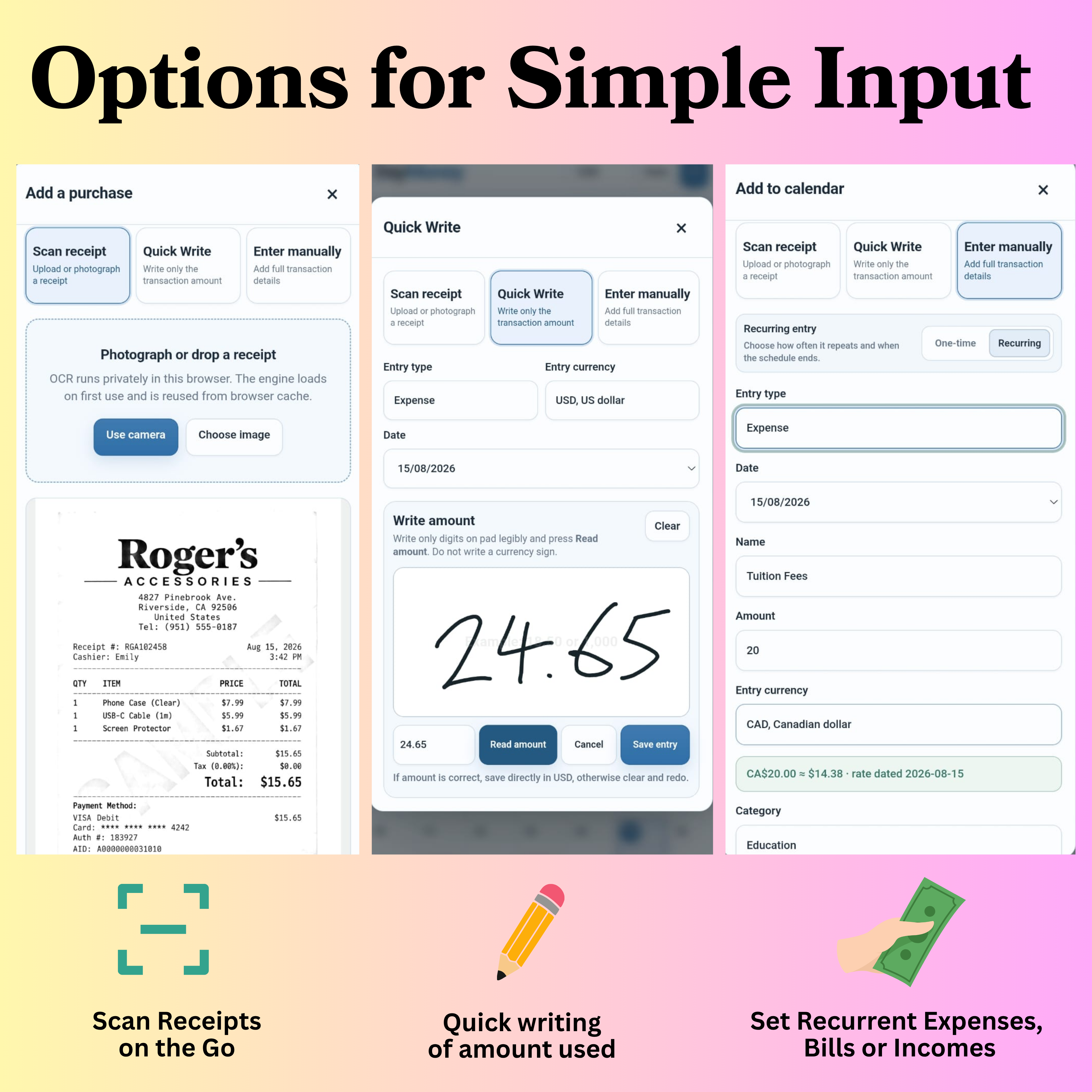
Add repeating expenses, income or planned bills directly to the calendar.

Budgets and progress

Set budgets for the selected view and see remaining amounts and budget progress.

Financial reports

Review period summaries and visual report charts, then print or save a report as PDF.

Themes, currency and backups

Adjust appearance and currency settings, export backups and generate CSV or text reports.

DayMoney Full Edition

Everything Online, plus faster input

Get Full DayMoney
USD $7.99 one-time

Keep the complete DayMoney budgeting workspace and add the two convenience input systems designed to reduce typing.

Everything in DayMoney Online

Calendar views, recurring entries, budgets, reports, themes, currency settings, backups and exports are all included.

Receipt OCR scanning

Photograph or choose a receipt image and use OCR to help capture merchant, date and amount details for review before saving.

Quick Write handwriting input

Write a transaction amount on the input pad, read the handwritten digits and save the result after checking it.

Downloadable browser app

Keep the Full Edition as your own browser-based app file with no recurring UsefulKits subscription.