
Private PDF Editor That Keeps Your Files on Your Device.
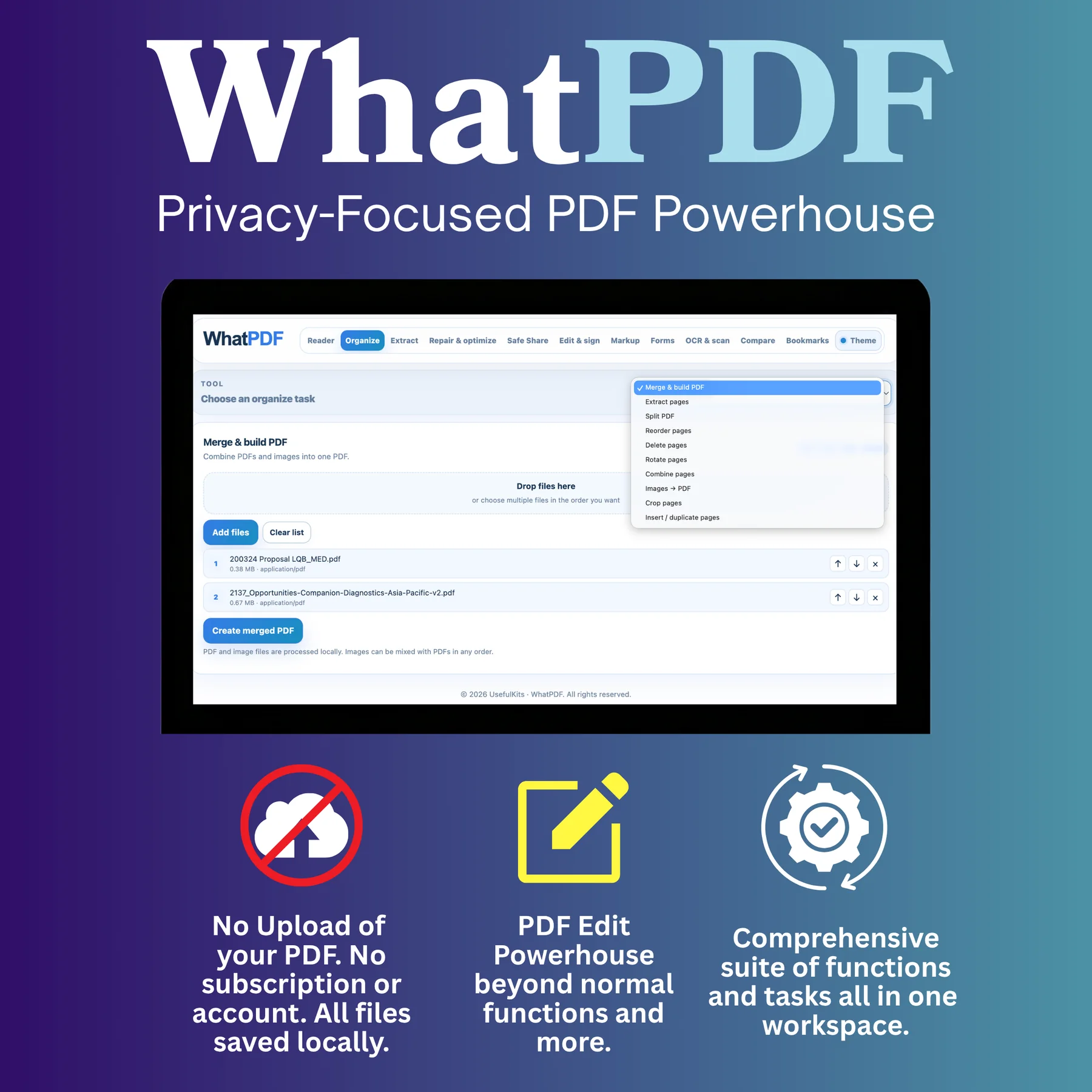
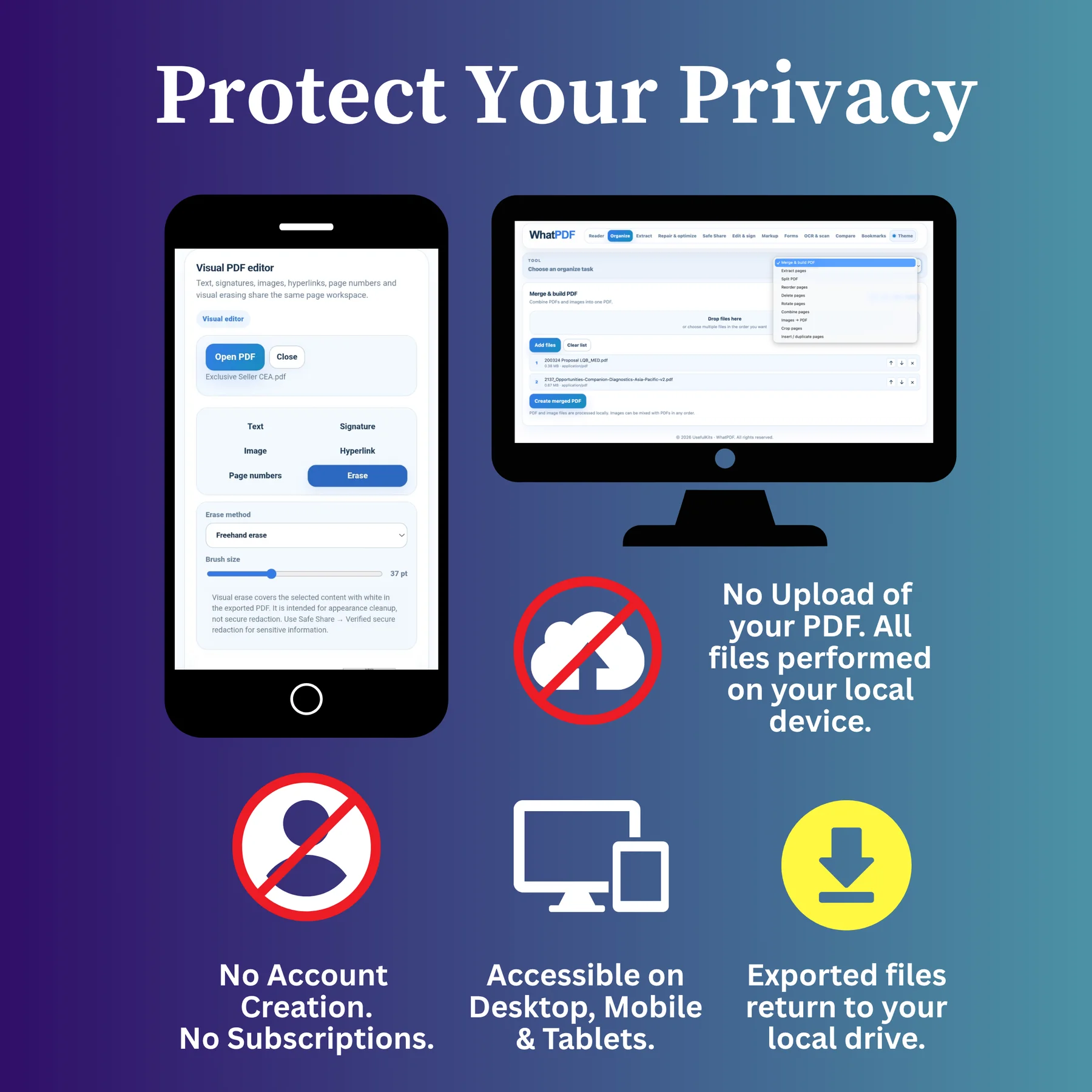
Edit, merge, split, sign, compress and convert PDFs locally in your browser. WhatPDF keeps supported PDF work on your device instead of intentionally uploading your files to UsefulKits, and it does not require an account or subscription.
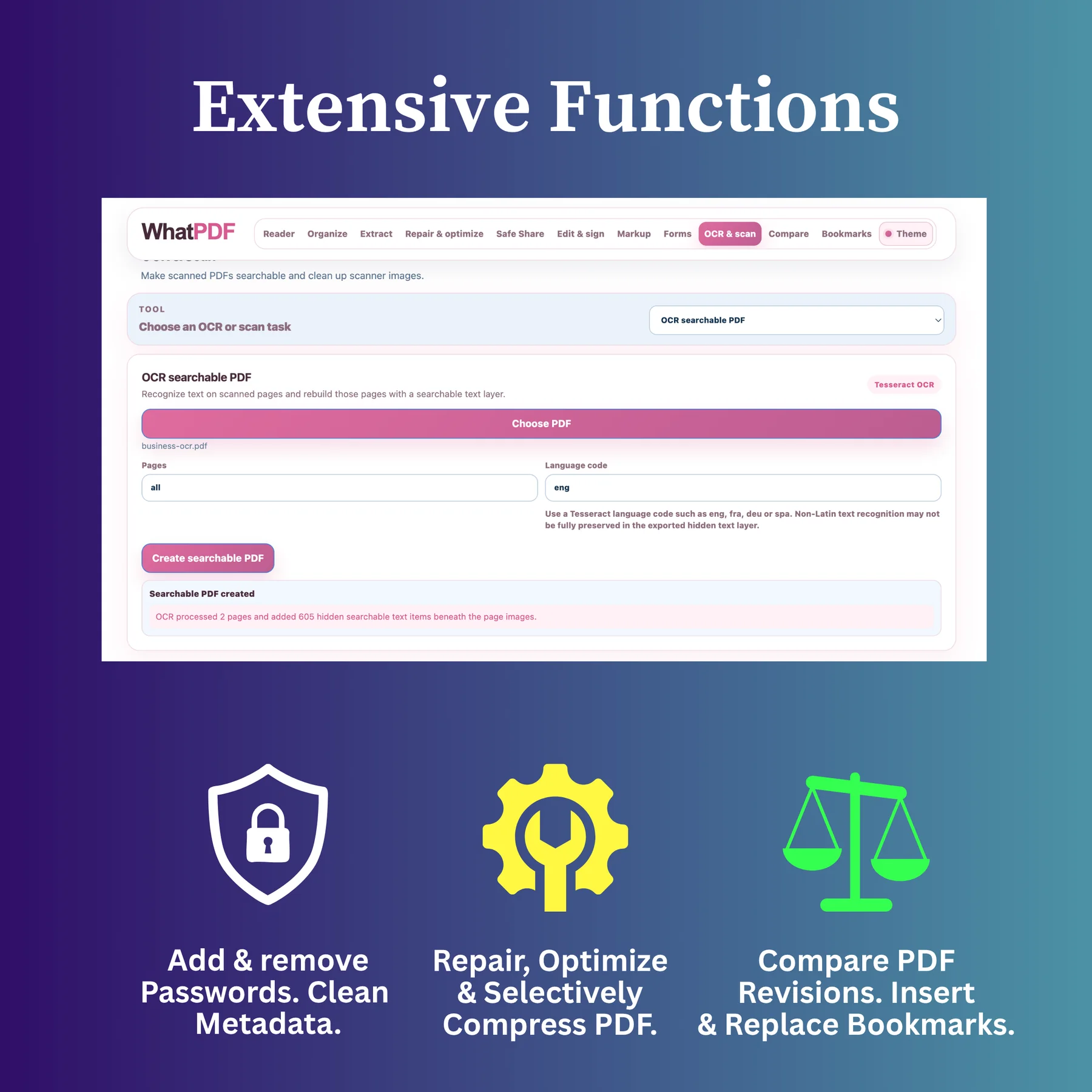
WhatPDF Online and Full Edition
WhatPDF Online is a free private PDF editor and toolkit for common browser tasks. WhatPDF Full Edition adds advanced editing, security and specialist document workflows. Neither edition requires a UsefulKits account or subscription.
Free PDF tools.
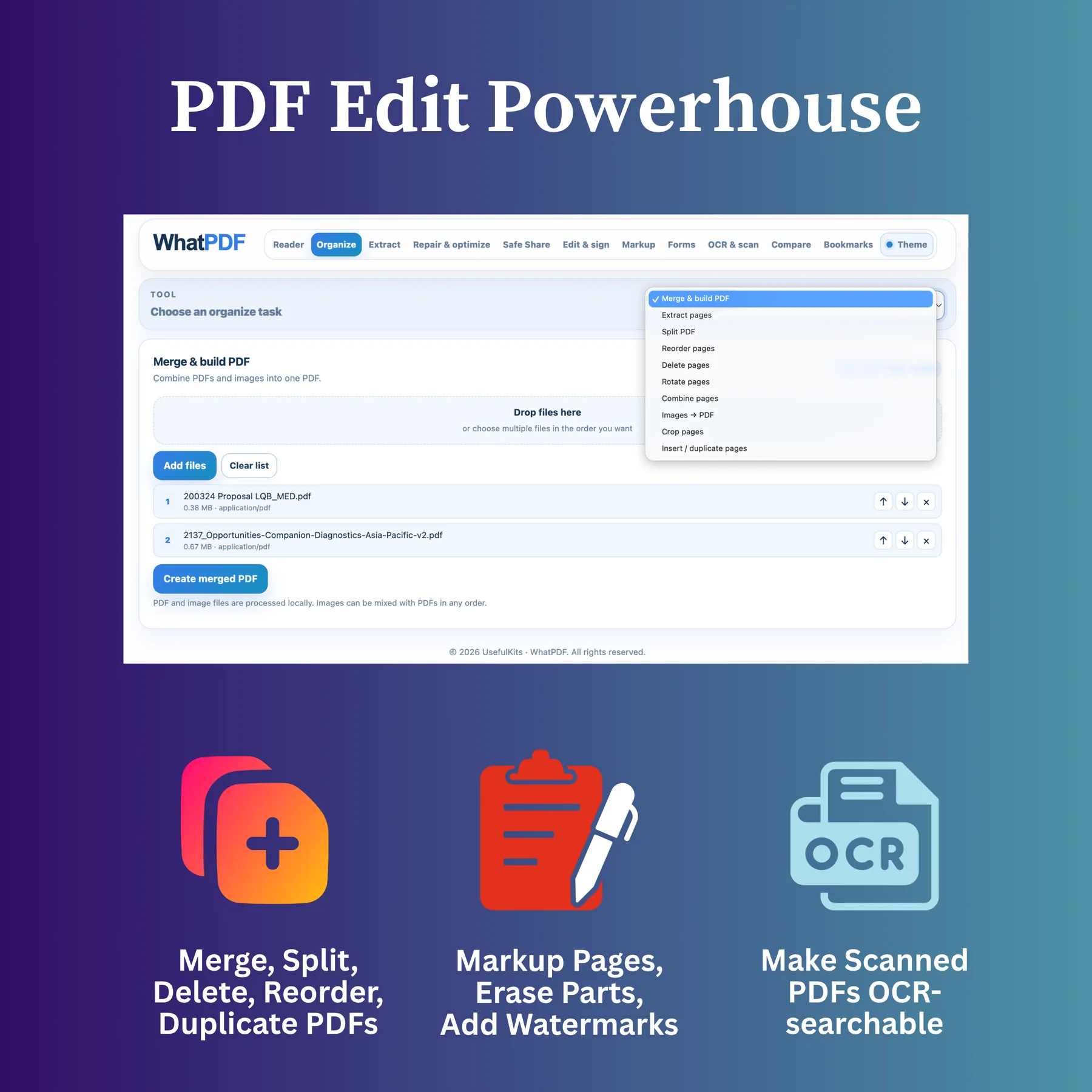
Choose a PDF task below. The free Online edition includes merging, splitting, compression and image conversion, plus page organization, simple editing, markup and OCR preview.
Merge & split PDFs
Combine several PDF files into one document, or break a multi-page PDF into separate files.
Merge or split PDFs →Compress PDF
Reduce PDF file size locally in your browser with screen, balanced or print-quality compression.
Compress a PDF →JPG to PDF
Turn one or many JPG, PNG or WebP images into a PDF locally, with image-size, A4 or Letter page fitting.
Convert JPG to PDF →PDF to JPG
Export every PDF page as a JPG or PNG image and download the results together in a ZIP file.
Convert PDF to JPG →Organize PDF pages
Extract selected pages, reorder them, remove unwanted pages or rotate pages into the correct orientation.
Manage PDF pages →Edit & sign PDFs
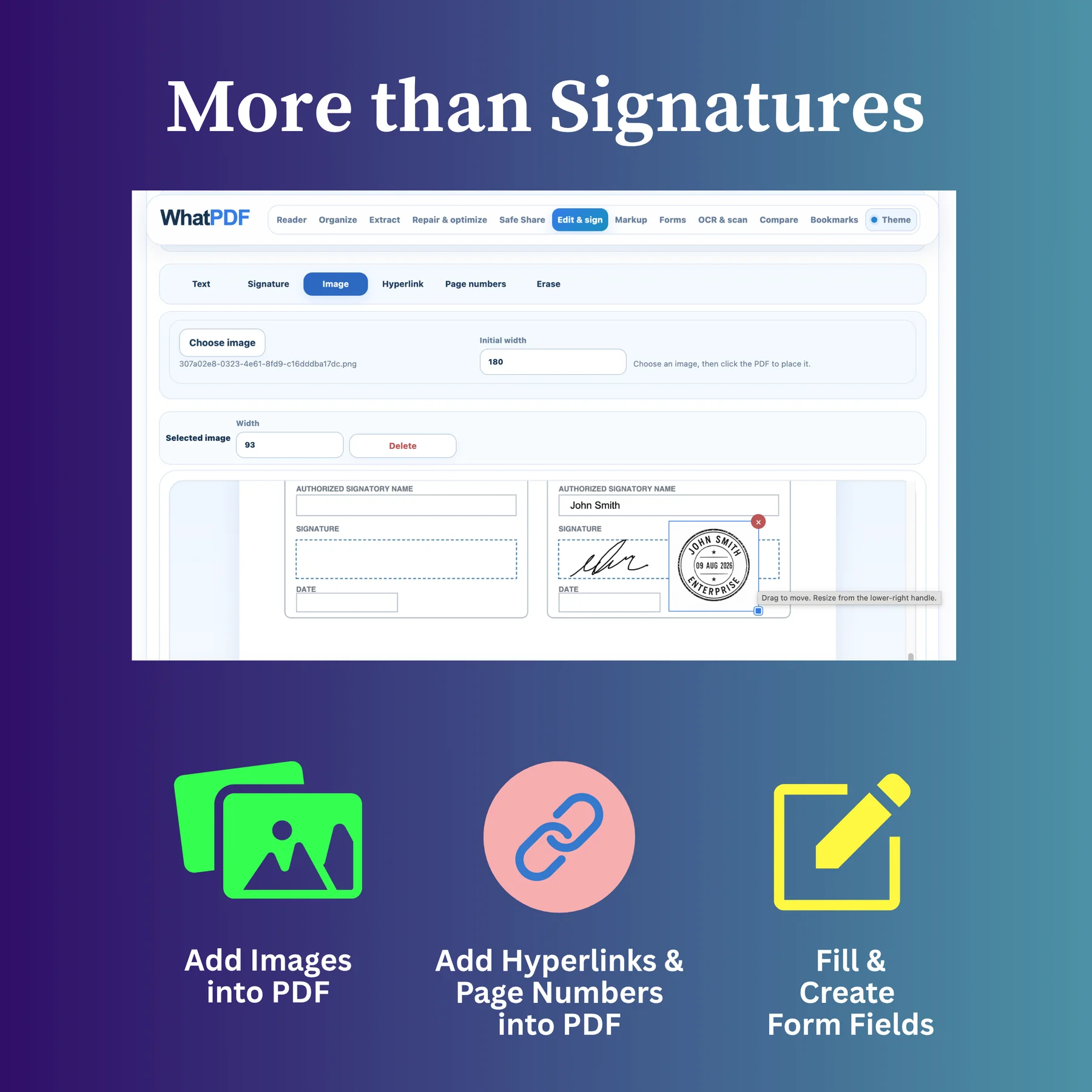
Add simple text and a visible signature to a PDF, then export the finished document.
Edit or sign a PDF →Annotate & mark up PDFs
Highlight, underline, strike through, draw freehand or add simple shapes for review and feedback.
Mark up a PDF →OCR scanned PDFs
Preview text recognition on one scanned page before deciding whether you need full-document OCR.
Try OCR preview →